
Blog · guide · 26 Oct 2026
Chat panels
Chat Panel and Chat Panel 2 are HUD elements, off by default. Each is a second chat you place with the HUD editor.
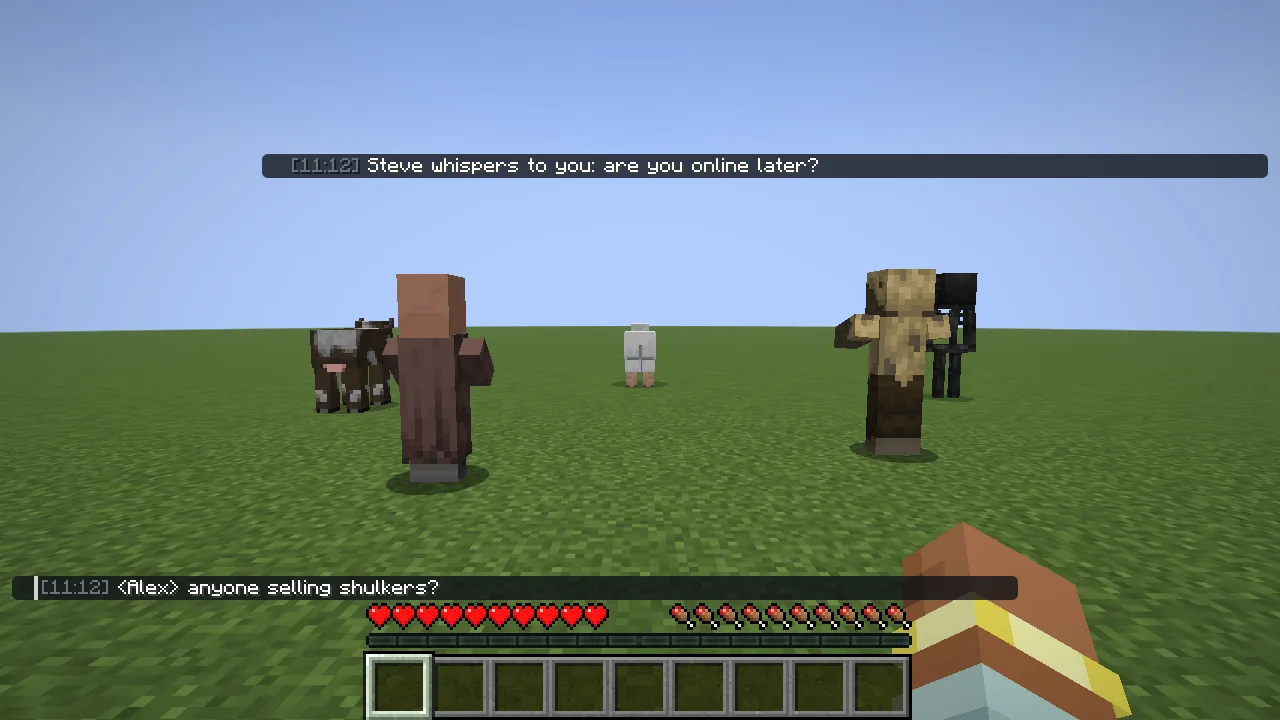
How they behave
- They look like the normal chat: messages fade out and the mouse wheel scrolls them while the chat is open.
- They stay invisible while they have nothing to show.
- They only hold what you route to them: whispers, mentions, Baritone, a regex, or certain players.
Move(on by default) keeps those lines out of the main chat.
Saved chat
Chat is saved per server. When you join again, the last 200 lines come back in grey with the time they were said, and they fill the panels too. Restore History and Save Chat History in Chat Settings turn that off.
All the rules, sizes and looks of both panels are in the Chat Settings window, opened with the ⚙ button in the chat.